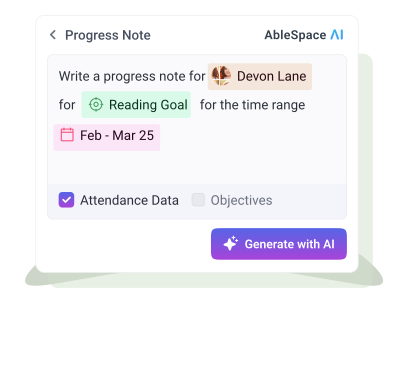
If there’s one task special educators never seem to escape, it’s writing progress notes. They follow you from your classroom table to your living room couch. They interrupt your planning periods and eat into time you’d rather spend teaching or breathing. For years, the unspoken rule has been: write them fast, keep them compliant, and hope you didn’t forget a detail you’ll need in two months.
But the arrival of AI has reshaped that rule, making many educators uneasy.
What happens when a machine helps you write?
Will your notes sound generic?
Will they still reflect the nuance of your students?
Will you accidentally hand over your professional judgment to a tool?
These are real questions, and avoiding them won’t make the technology disappear. What will help is understanding something simple but powerful: AI can draft text, but it can’t determine instructional relevance. The skill special educators need now isn’t learning to write like a machine; it’s learning how to make a machine work like you.
Here’s how to do that.
1. Treat AI as a Drafting Tool—Not the Author
AI is excellent at one thing: speed.
It can summarize patterns, rewrite clunky sentences, and turn raw data into readable language in seconds. That’s useful. But an AI that drafts a full note from scratch, without your input, will always sound hollow.
The fix is simple: feed the AI your data, not your job.
A strong workflow looks like this:
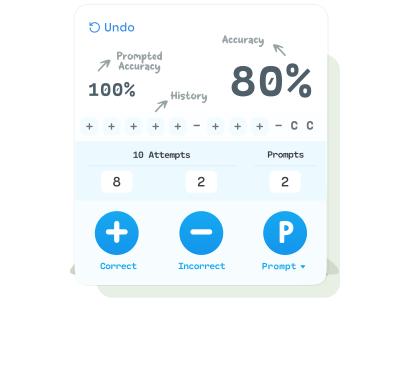
- You collect the raw details: tally counts, work samples, anecdotal notes, session goals, prompts used.
- You write a brief summary of performance in your own words.
- AI turns that into a structured note.
- You edit it so it reflects the truth of your session.
This gives you speed without surrendering accuracy or tone.
2. Keep Your Language Anchored in the Student, Not the Template
AI often falls back on template-like phrasing. If you see lines such as:
- “The student demonstrated continued growth…”
- “Overall, progress is emerging…”
—they might sound tidy, but they say very little.
Your professional voice is clearest when you anchor sentences in observable details:
- “J stayed on task for 8 out of 10 problems with one verbal reminder.”
- “P independently generated three sentences after the initial prompt.”
- “During transitions, M needed two gestural prompts instead of the usual four.”AI can restructure these statements, but it cannot invent them. Specificity keeps the note sounding like you, not a form letter.
3. Use AI to Reveal Patterns You Might Miss in the Moment
One of AI’s most surprising strengths is its ability to connect dots quickly. When you provide a week’s worth of data, AI can identify trends that aren’t obvious in the daily rush.
For example:
- Has accuracy improved on easier items but stalled on complex ones?
- Does independence shift by time of day?
- Do prompts decrease during writing but increase during math?
When AI synthesizes trends, it is not making instructional decisions for you; it’s surfacing patterns so you can make decisions with more clarity.
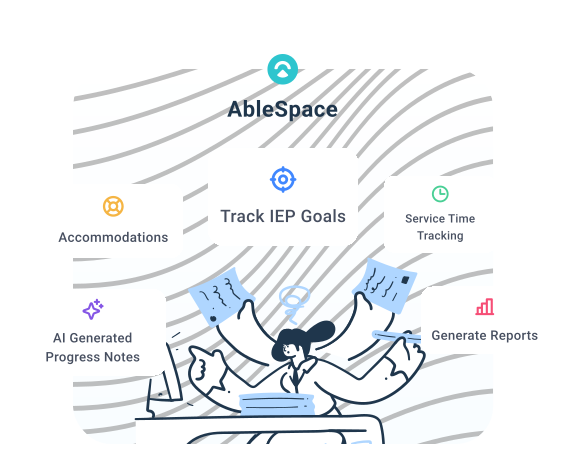
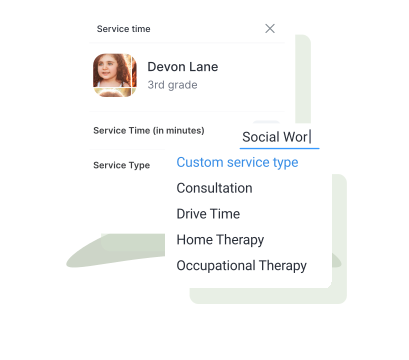
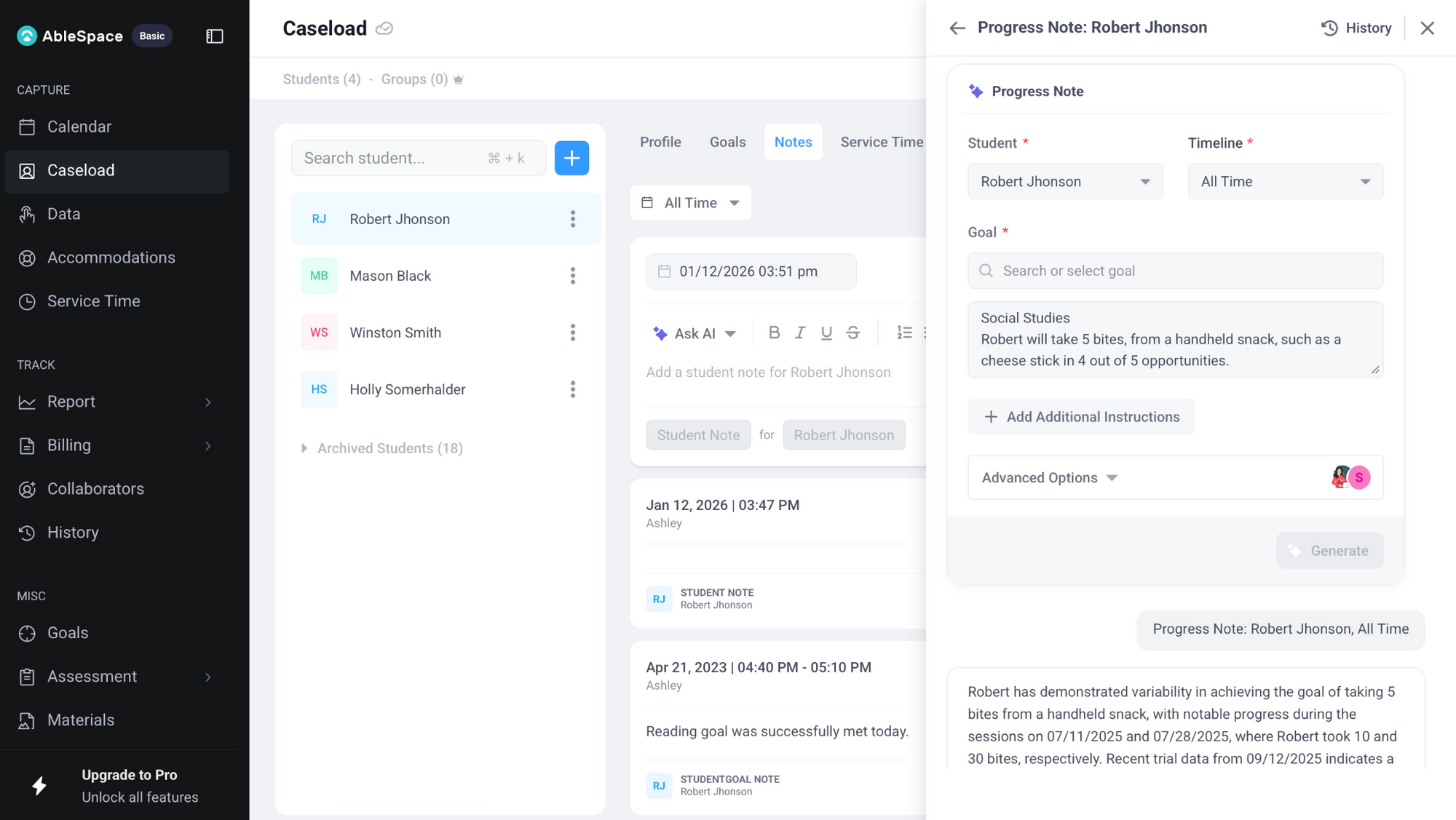
This is also where platforms like AbleSpace come in, since they centralize service minutes, goal data, and provider notes. With everything stored consistently, AI can work from a solid data set, producing insights that reflect your actual sessions rather than fragmented documentation.
4. Edit the Tone, Not Just the Facts
Many AI drafts sound polished but emotionally flat. They miss the educator’s sense of nuance, whether something was a breakthrough, a red flag, or a quiet win.
A quick tone-editing checklist:
- Does the note sound like someone who knows this student?
- Is the level of optimism realistic, not exaggerated?
- Is the language free of jargon or vague praise?
- Is the note honest without sounding punitive?Your voice adds humanity and precision. AI shouldn’t erase that.
5. Use AI to Remove Bias—Not Reinforce It
One often overlooked capacity of AI is its ability to neutralize wording that may unintentionally sound judgmental or emotional. When you ask AI to rewrite a sentence objectively, you can spot phrases that might otherwise be misread.
For example:
- Original: “He refused to work again today.”
AI rewrite: “He did not begin the task even with three prompts.” - Original: “She got frustrated quickly.”
AI rewrite: “She raised her voice and left the table after two corrections.”
In both cases, the AI version shifts the focus from assumptions to observable actions.
But the responsibility still sits with you. Review AI-generated language carefully: if it removes important context, add it back; if it inserts interpretations you didn’t intend, take them out.
6. Use AI to Shorten Your Documentation, Not Complicate It
A good progress note doesn’t need to be long. It needs to be clear. Special educators often think length equals legitimacy, but long notes can bury the details teams actually need.
AI is great at tightening:
- long timelines
- repetitive phrasing
- unnecessary qualifiersWhen you ask it to condense while keeping key details, your notes become easier for teams, administrators, and parents to understand.
7. Always End With a Human Decision
AI can describe data.
It can format the note.
It can reduce your writing time.
But it cannot decide the next instructional step.
That part is yours.
A strong progress note, AI-assisted or not, ends with your interpretation:
- “Given this trend, we’ll increase wait time before prompting.”
- “Next session will focus on generalization in the small-group setting.”
- “To reduce prompt dependence, we will fade verbal cues and increase gestural ones.”
This is the piece AI cannot and should not do for you.
Final Word
Progress notes will always be personal, because they’re the story of a student you’ve sat beside, redirected, encouraged, and celebrated. AI simply clears the noise so you can hear that story more clearly. When used well, your notes stop feeling like paperwork and start feeling like what they truly are: evidence of growth you were there to witness.
FAQs
1) How do I prevent AI from smoothing over the ‘messy parts’ of a session that still matter?
Ask the AI to preserve challenges explicitly (“Keep all instances of prompt dependence” or “Do not remove moments of task avoidance”). Most tools comply when instructed not to sanitize difficulty.
2) What if I don’t have time to write a detailed summary before using AI?
A 20–30 second voice note after the session, later converted to text, is enough to maintain your voice and accuracy. AI can then structure that raw narration into a clean note.
3) What’s the best way to teach paras or co-teachers to use AI for notes?
Give them student-specific examples of what good raw inputs look like rather than telling them to ‘write more.’ When they see two or three demonstrations of detailed vs. vague logging, their AI outputs improve instantly.