Logo

Manage Your Time with Rotating Schedules

Simplify your daily tasks with rotating schedules in AbleSpace. Easily manage recurring service days and ensure consistent support for your students.
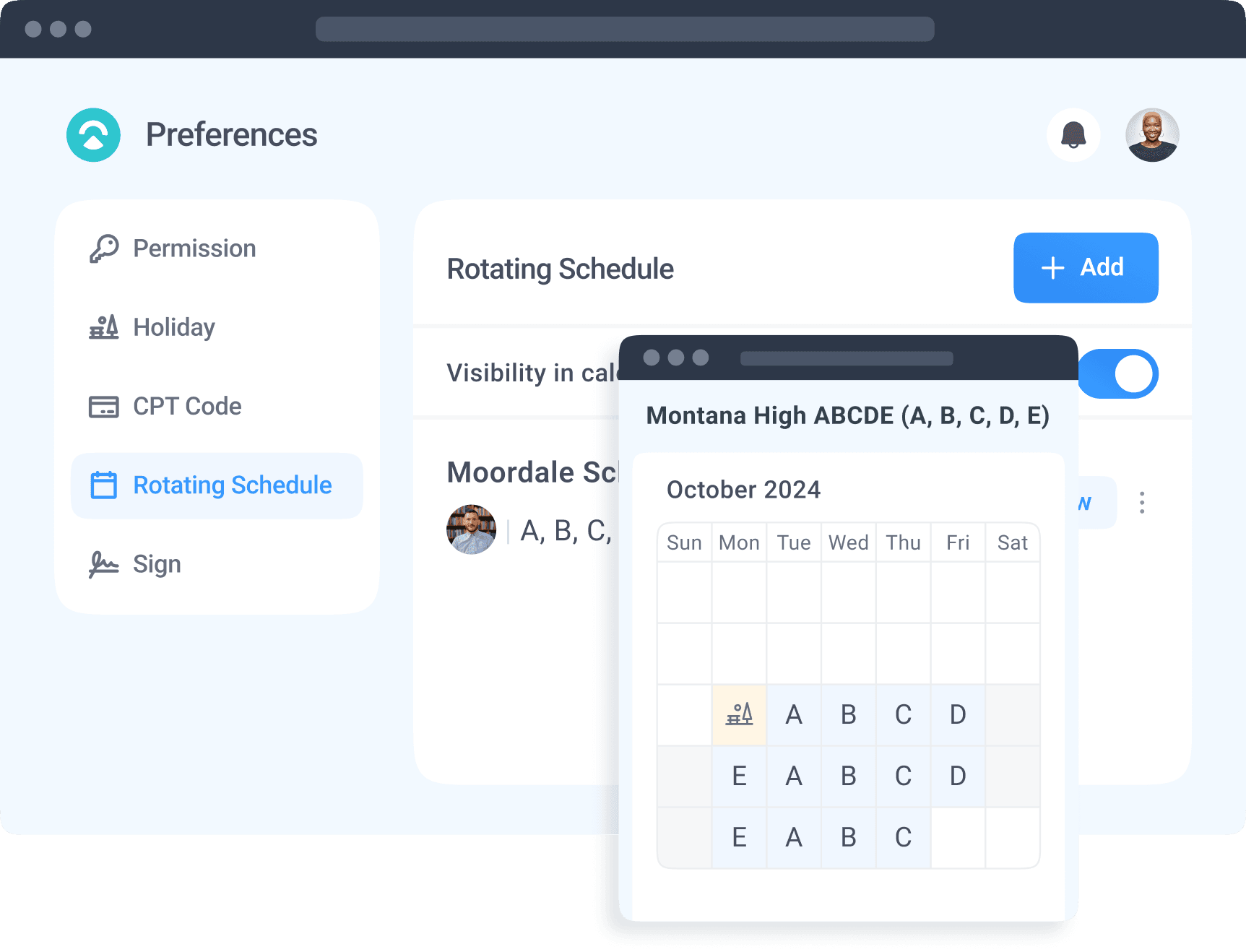
Cover image
Plan and manage days with AB, ABCDE, or codes.

Plan and manage days with AB, ABCDE, or codes.

Track and assign services to specific days.

Track and assign services to specific days.

Simplify and streamline your weekly workflow.
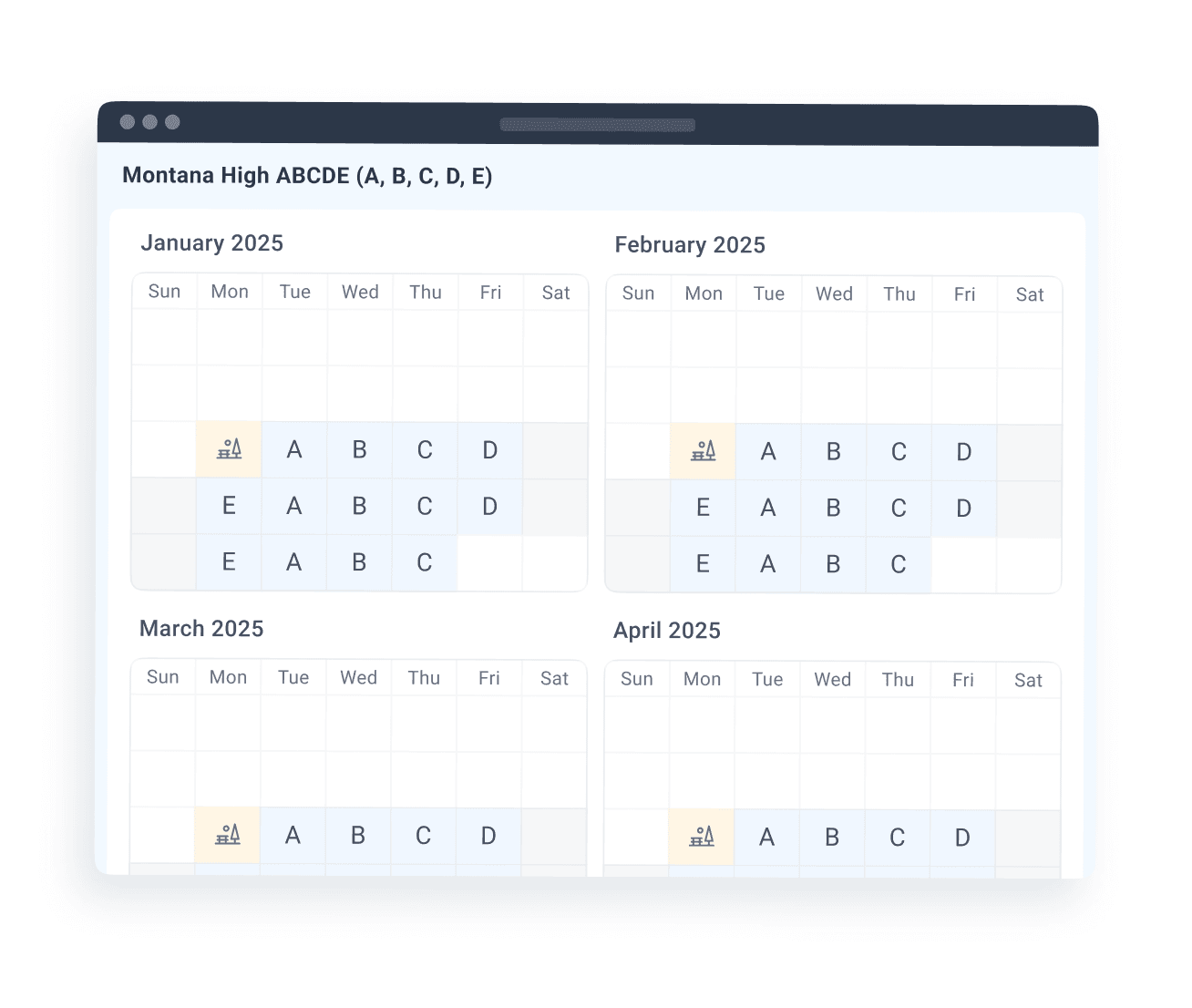
Simplify and streamline your weekly workflow.

What Are Rotating Schedules?
Rotating schedules follow a recurring cycle of days or weeks, coded for easy tracking. Assign services to specific days with clarity.

Use codes like AB, ABCDE, or A2B2C2D2E2.Assign focus areas to each day (e.g., speech or therapy).Stay organized with structured cycles.
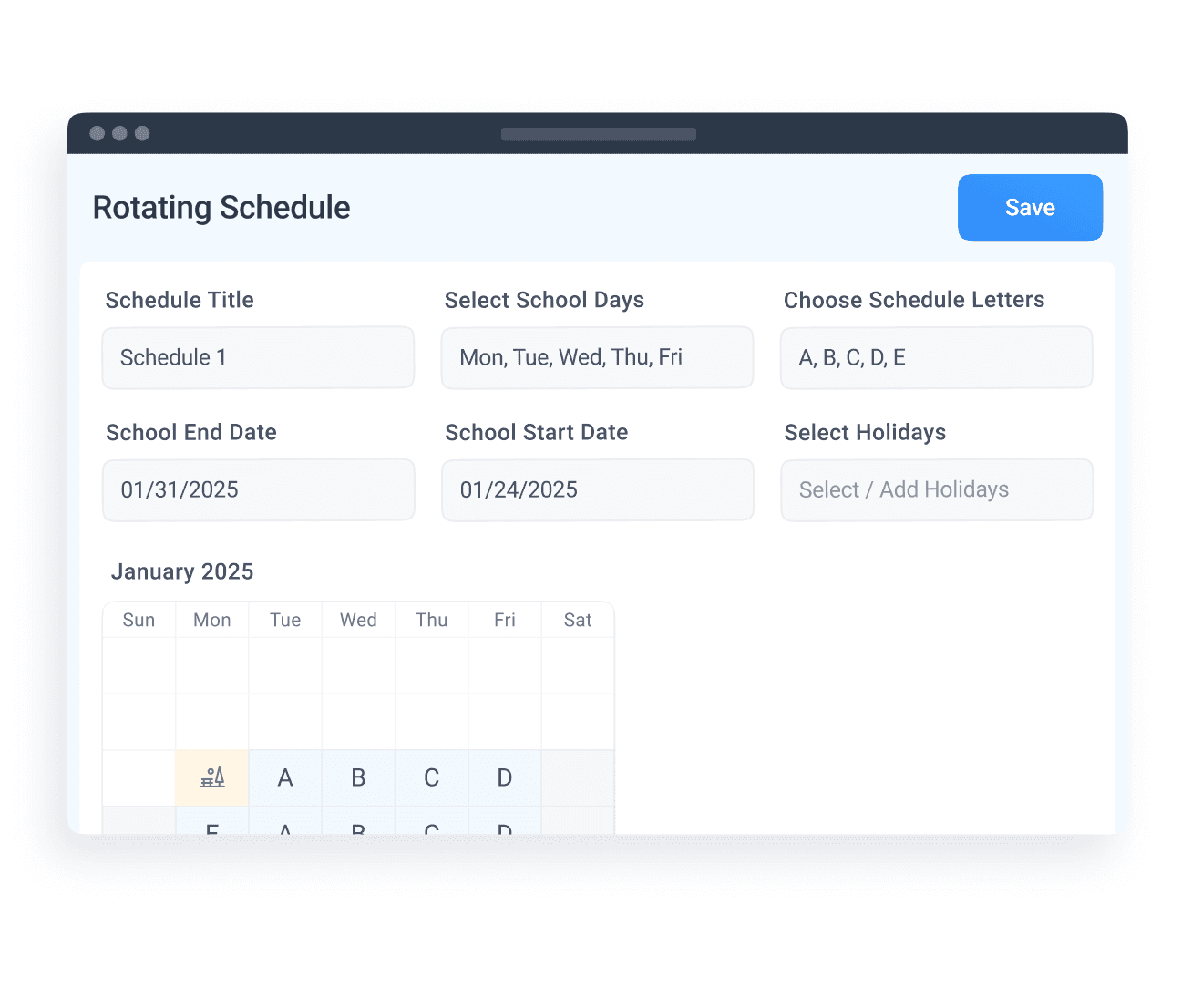
Benefits of Rotating Schedules
Enjoy better organization and time management with pre-defined schedules. Prevent conflicts and ensure smooth operations.

Allocate time efficiently for all students.Minimize scheduling overlaps.Keep services consistent and on track.
Setting Up a Rotating Schedule
Creating a schedule in AbleSpace is quick and straightforward. Follow these simple steps:

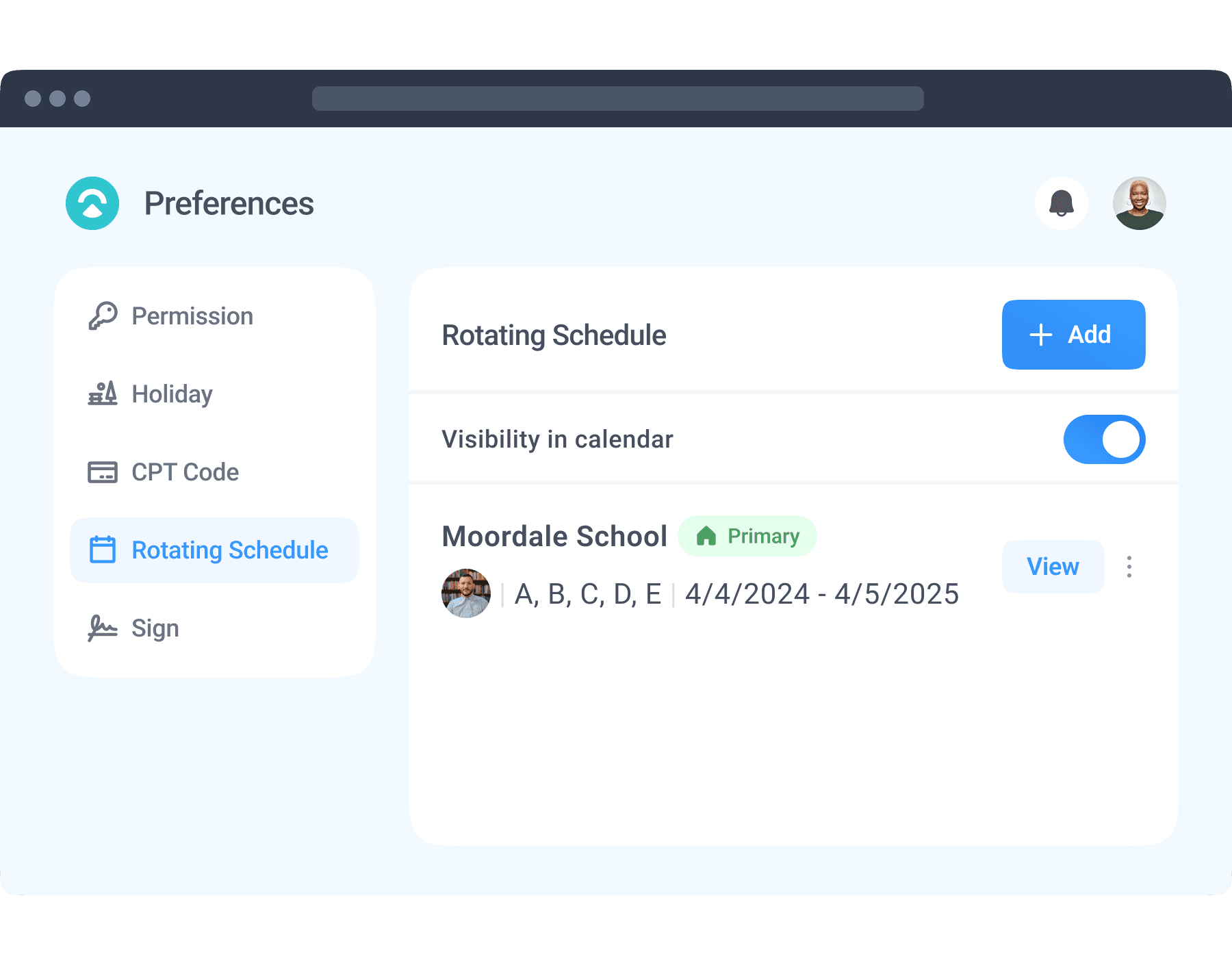
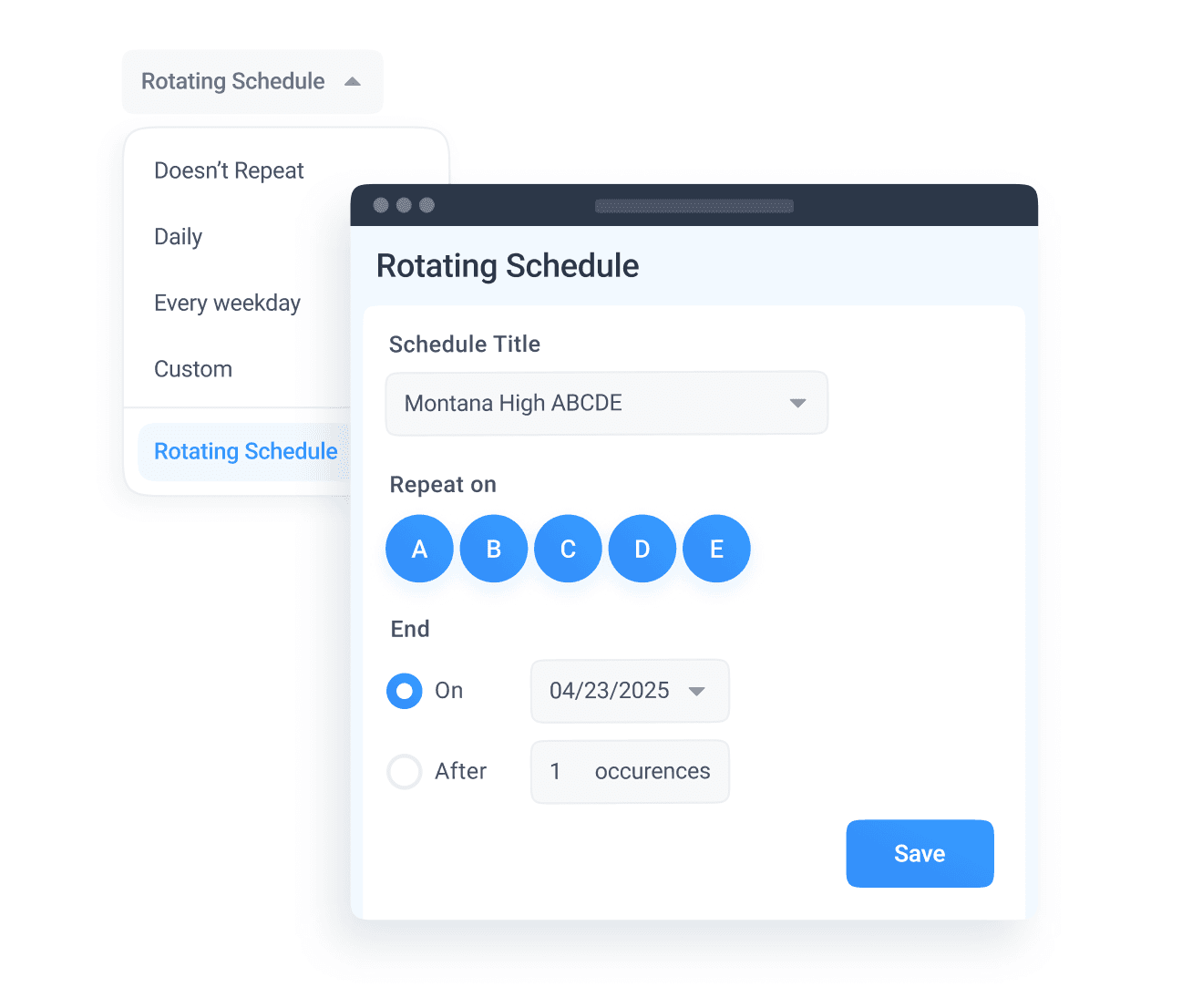
Navigate to the Admin Dashboard and select 'Rotating Schedule'.Add a new schedule with cycle codes like AB or ABCDE.Include holidays, set start/end dates, and save.
Applying Rotating Schedules to Your Calendar
Enable and integrate your schedule directly into your calendar for seamless operations.

Activate the schedule in calendar preferences.View the rotation code on your calendar.Schedule events using the rotation cycle.

FacebookInstagramYoutube
© 2026 Ablespace Inc. All rights reserved.